 ) to open the Flash File to Target dialog: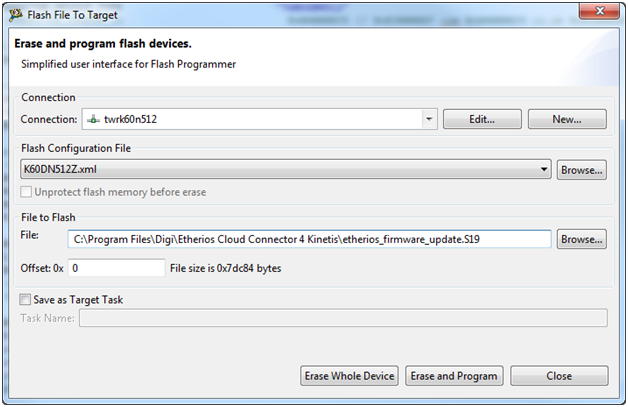
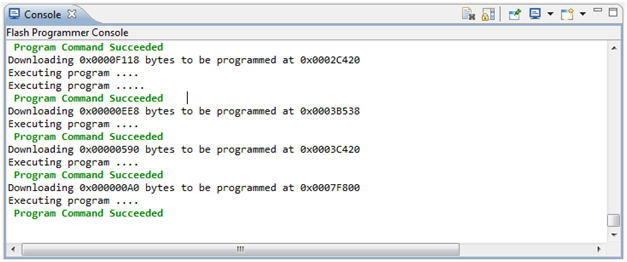
Click on Erase and Program and wait until it the task finishes:
To download a binary or SRecord file to a target:
) to open the Flash File to Target dialog:

|
Once finished, you might need to manually reset the target to get the application running. |